Stay Updated with
Automated Reports and Alerts
Stay informed without logging into the dashboard. Get insights delivered straight to your inbox.




















3,000+ growth-obsessed teams from 90+ countries
create 5 reports in every 30 minutes at Kimola.
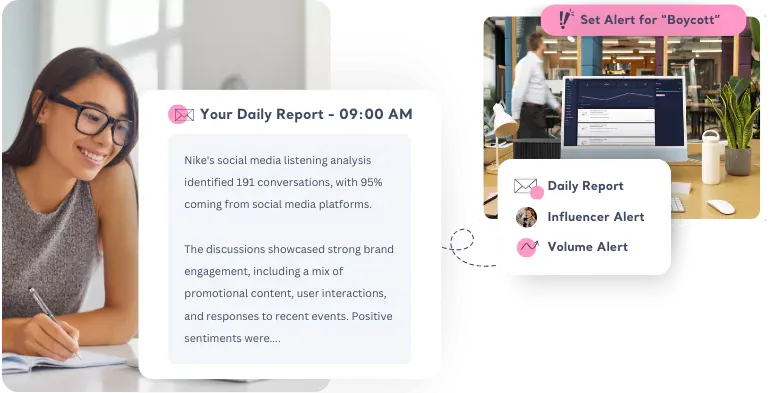
Instant Alerts for What Matters Most
Get notified about 🔔 keyword mentions, 👑 influencer involvements, or 🔺 sudden spikes in the data volume. Each email type has a unique emoji in the subject line, so you can recognise the type of update at a glance—without even opening your inbox.
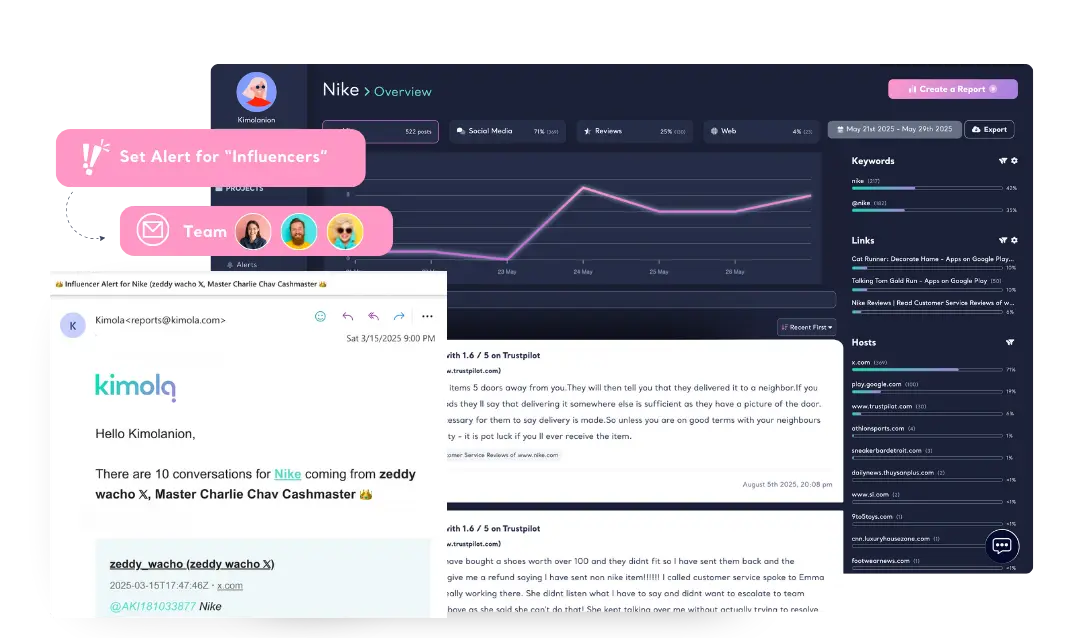
Full Control Over Reports & Alerts
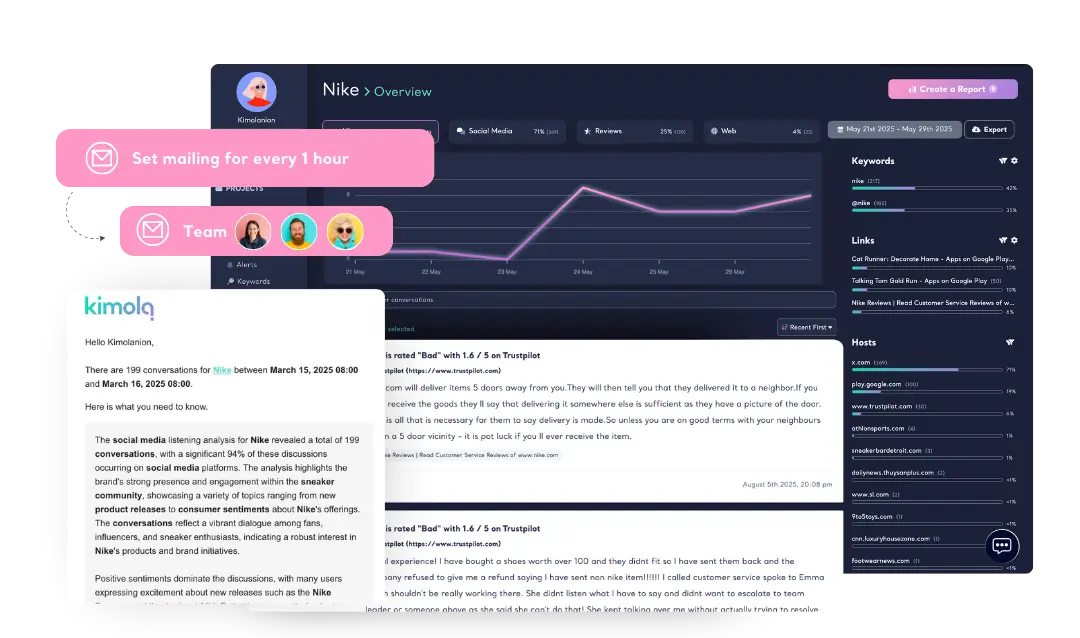
When you create a Feed, Kimola automatically schedules reports and alerts to get you started quickly. You can also create your own reports anytime, adjusting their frequency and content based on your needs.
Receive regular reports on an hourly, daily, or custom basis. If you need to keep an eye on a crisis or sudden trend, you can set up hourly reports for real-time updates. Get only the insights that matter, exactly when you need them.
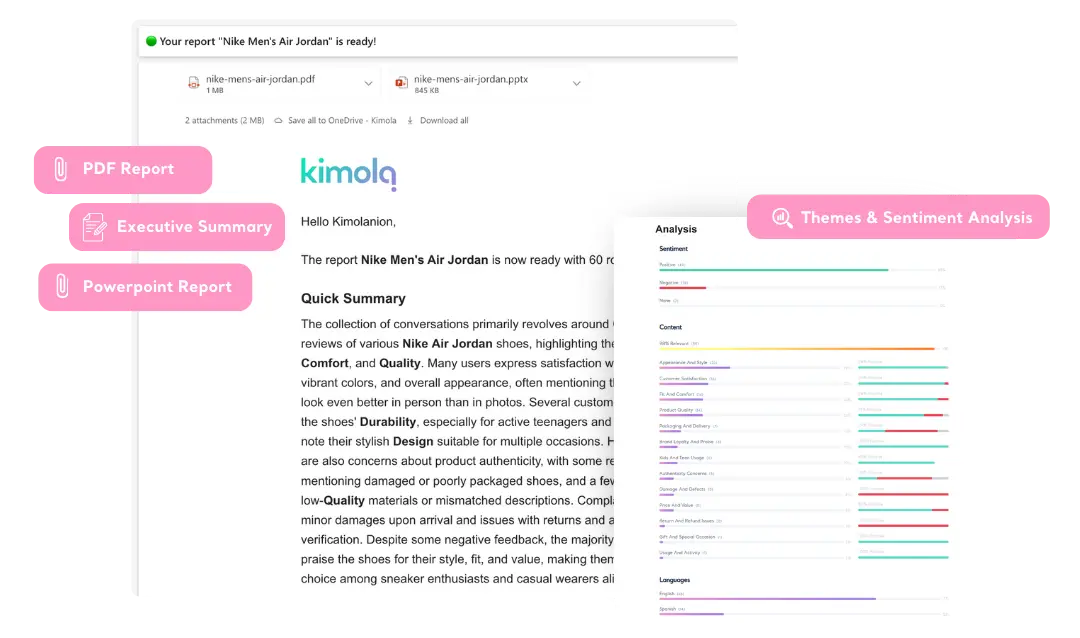
A Visual Dashboard in Your Inbox
Get key insights at a glance with automated email reports. Executive summaries are delivered in your language, optimized for mobile, and include clickable details for deeper insights.
-
Track & Analyze
Customer Feedback -
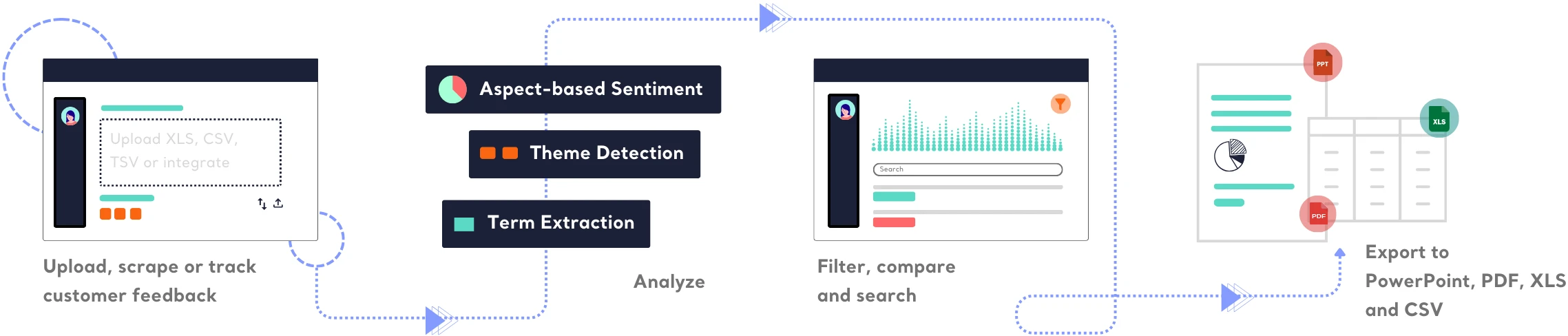
TRACK
Collect and centralize feedback.
ANALYZEMake sense of large-scale feedback.
INSIGHTSTurn data into meaningful insights.
Find out how Kimola can improve your feedback analysis process.
-
![Kimola for Product Feedback Analysis]() Product Feedback Analysis
Product Feedback Analysis
Uncover customer needs, likes, and dislikes from product reviews and feedback.
-
![Kimola for E-commerce Feedback Analysis]() E-commerce Feedback Analysis
E-commerce Feedback Analysis
Analyze customer reviews and ratings to optimize online shopping experiences.
-
![Kimola for Social Feedback Analysis]() Social Feedback Analysis
Social Feedback Analysis
Extract insights from social media conversations and online discussions.



-
![Kimola for Open-ended Survey Analysis]() Open-ended Survey Analysis
Open-ended Survey Analysis
Make sense of free-text survey responses with AI-powered analysis.
-
![Kimola for Conversational Analysis]() Chatbot and Call Center Conversational Analysis
Chatbot and Call Center Conversational Analysis
Understand customer sentiment and concerns from chat and call transcripts.
-
![Kimola for Employee Feedback Analysis]() Employee Feedback Analysis
Employee Feedback Analysis
Identify workplace trends and employee sentiment from internal feedback and reviews.



Frequently Asked Questions
About Reports and Alerts
-
What is an automated report?
An automated report is a scheduled email report based on your selected frequency and filters. It includes an executive summary in the language of the original data collected. You can receive regular reports as frequently as every hour.
-
What is an alert?
An alert is an email report triggered by specific conditions instead of a set schedule. You receive an alert when a defined event occurs, such as influencer involvement (based on a custom follower threshold) or specific keywords. For example, if you’re in the food industry, you might want to be alerted when customer feedback contains the word "expired".
-
How many mailings or alerts can I set?
Your mailings and alerts limits are determined by your selected package. You can check your plan details in your account settings or on our pricing page.
-
Can my teammates unsubscribe from a mailing or alert?
Yes, you can manage from the dashboard, or they can simply click the unsubscribe link at the bottom of the email.
Turn customer feedback into structured market research in 30+ languages—no AI training needed.
Create a Free Account No credit card · No commitment