Upload or Connect
Custom Data Sources
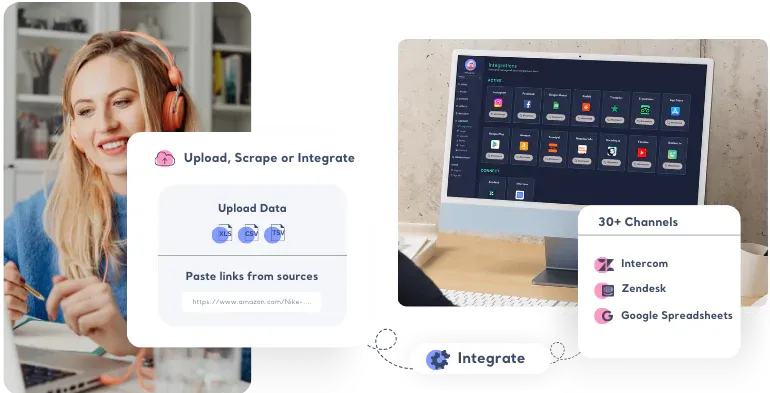
Easily upload and analyze customer feedback from Excel, CSV, TSV, or integrate with popular platforms like Intercom, Zendesk, and Google Sheets.




















3,000+ growth-obsessed teams from 90+ countries
create 5 reports in every 30 minutes at Kimola.
Upload and Map Custom Datasets
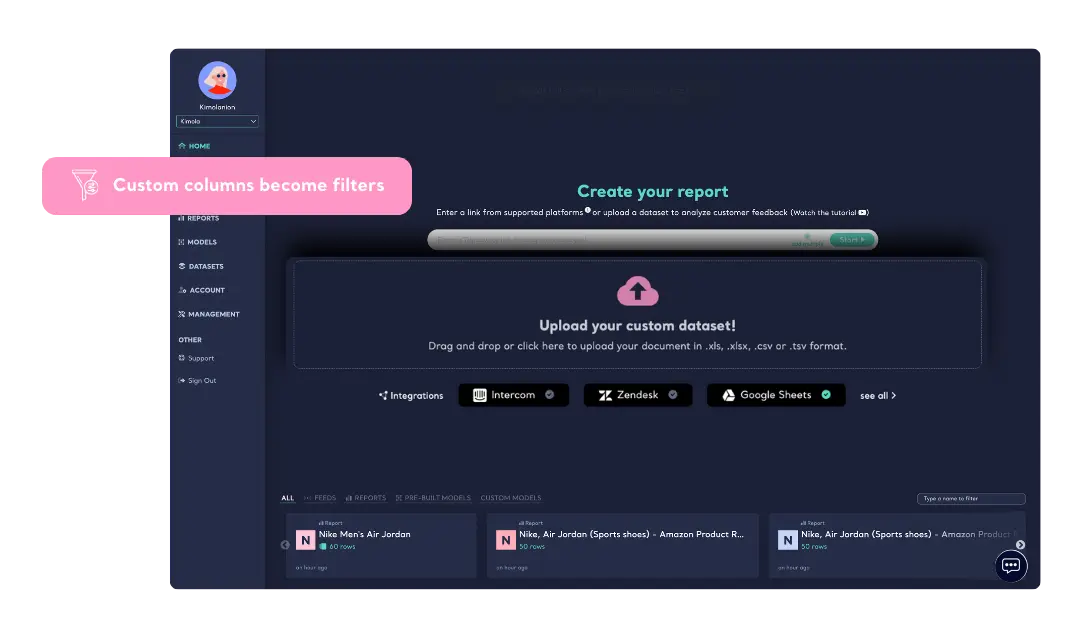
Import customer feedback in Excel, CSV, or TSV formats. Map the text column to analyze, and choose the date and URL columns optionally. Other columns turn into filters, making analysis seamless by filtering by any value in your dataset.
Visual Pivot Tables
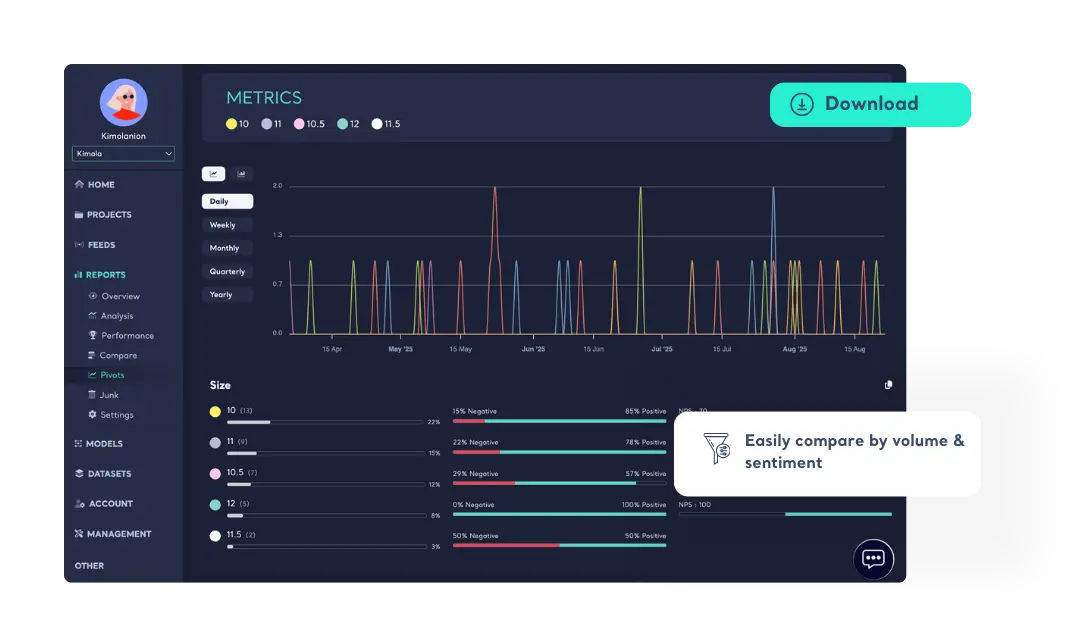
Create pivot tables by grouping customer feedback based on the column values in your dataset. See the multiple pivot table results on a single page, and export the results in PowerPoint or Excel if necessary.
Collect Customer Feedback From Top Platforms
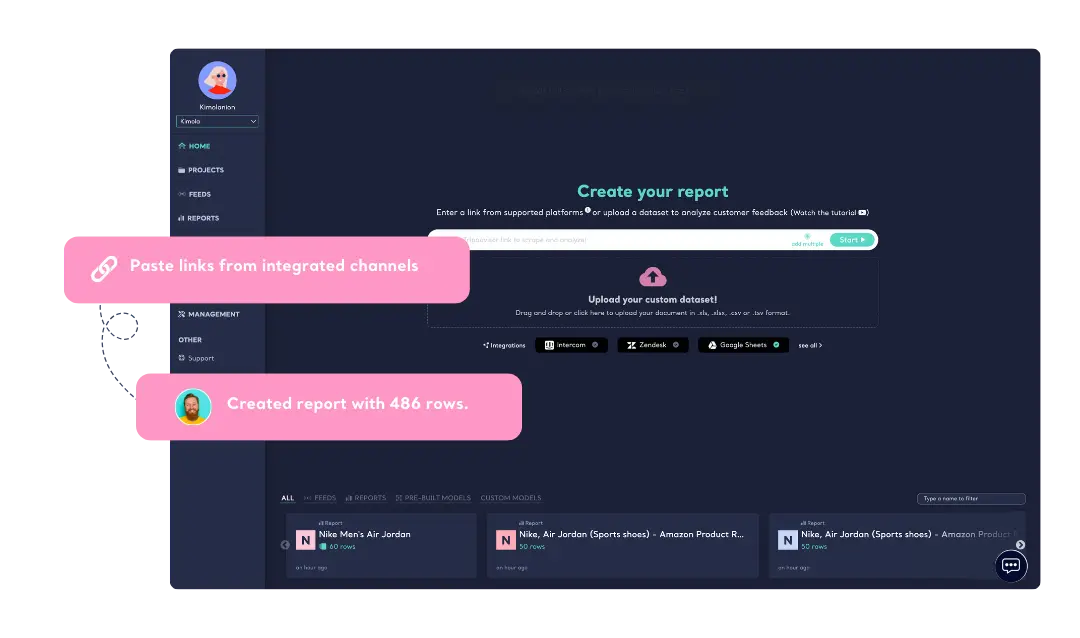
Kimola allows effortless customer feedback collection from leading platforms, including Amazon, TripAdvisor, Trustpilot, the App Store, and Google Play. Simply enter a single web address or multiple links, and Kimola will gather and analyze reviews automatically—saving you time while giving you deeper insights into customer motivations, behaviours and personas. Click here to view all sources.
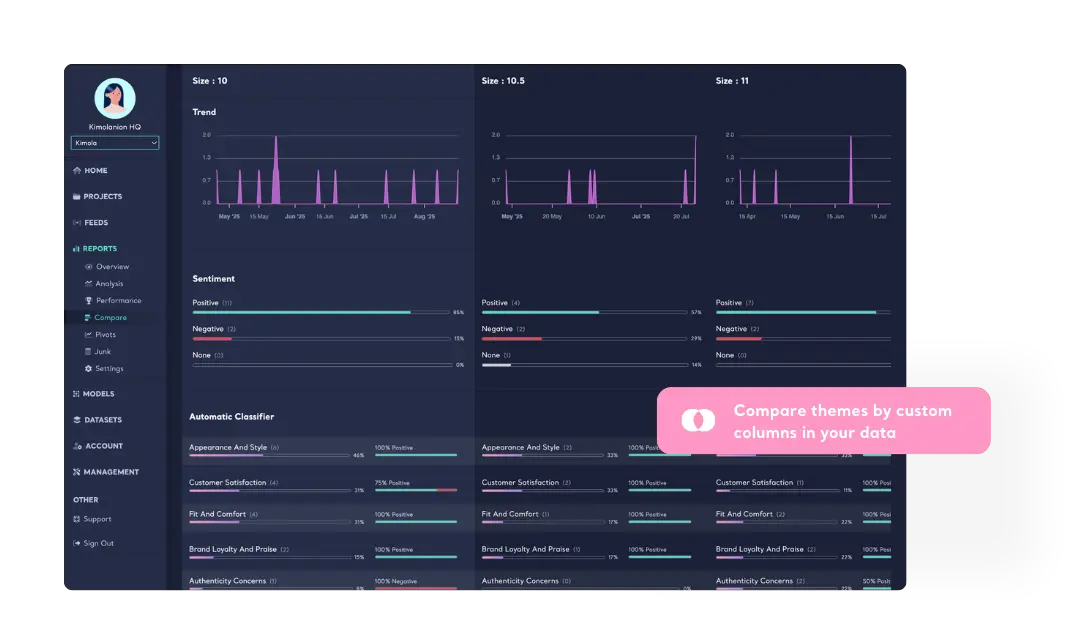
Compare themes by custom dataset
Easily compare locations, age groups, genders, product attributes, or any custom columns from your own data sources with a single click using the Comparison feature.

Intercom
Connect Intercom account to import and analyze customer - agent conversations. Analyze interactional conversations with multi-labels.
Explore Intercom App Store
Zendesk
Integrate Zendesk account to import and analyze interactional conversations. Leverage dynamic classification and multi-label classification to understand customers better and measure the performance of agents easily.

Google Sheets
Easily import data from Google Sheets to analyze with Kimola Cognitive.
Learn more-
Track & Analyze
Customer Feedback -
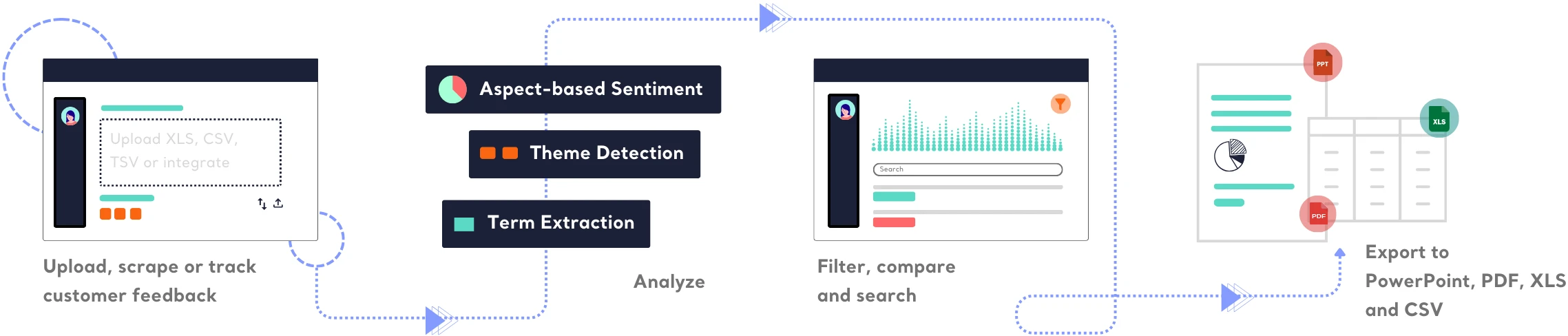
TRACK
Collect and centralize feedback.
ANALYZEMake sense of large-scale feedback.
INSIGHTSTurn data into meaningful insights.
Find out how Kimola can improve your feedback analysis process.
-
![Kimola for Product Feedback Analysis]() Product Feedback Analysis
Product Feedback Analysis
Uncover customer needs, likes, and dislikes from product reviews and feedback.
-
![Kimola for E-commerce Feedback Analysis]() E-commerce Feedback Analysis
E-commerce Feedback Analysis
Analyze customer reviews and ratings to optimize online shopping experiences.
-
![Kimola for Social Feedback Analysis]() Social Feedback Analysis
Social Feedback Analysis
Extract insights from social media conversations and online discussions.



-
![Kimola for Open-ended Survey Analysis]() Open-ended Survey Analysis
Open-ended Survey Analysis
Make sense of free-text survey responses with AI-powered analysis.
-
![Kimola for Conversational Analysis]() Chatbot and Call Center Conversational Analysis
Chatbot and Call Center Conversational Analysis
Understand customer sentiment and concerns from chat and call transcripts.
-
![Kimola for Employee Feedback Analysis]() Employee Feedback Analysis
Employee Feedback Analysis
Identify workplace trends and employee sentiment from internal feedback and reviews.



Frequently Asked Questions
About Custom Data Sources
-
What is a dataset?
A dataset is a structured file containing multiple rows and columns of data. In Kimola’s case, a dataset typically includes customer feedback in free-text format about a brand, product, or service. Since Kimola analyzes content, every dataset must have at least one text column.
-
Which dataset formats does Kimola support?
Kimola supports Excel (XLSX), CSV, and TSV formats for data uploads.
-
How large of a dataset can I upload?
You can upload files up to 30MB at once. However, the number of customer feedback entries Kimola analyzes depends on your package. Check our Pricing page for details.
-
Can I collect customer feedback from web platforms?
Yes! You can collect customer feedback by providing web addresses from platforms like Amazon, Trustpilot, TripAdvisor, Google Play, and the App Store. You can submit a single link or multiple links to start the collection process.
-
Can I try Intercom, Zendesk, or Google Sheets integrations?
Integrations are not available for free accounts. You can upgrade anytime to connect your accounts and unlock these features.
Turn customer feedback into structured market research in 30+ languages—no AI training needed.
Create a Free Account No credit card · No commitment